
Table of Contents
Getting Started with the Free Version #
The Free version provides a limited but useful experience that allows users to familiarize themselves with the platform’s core features.
How to Access #
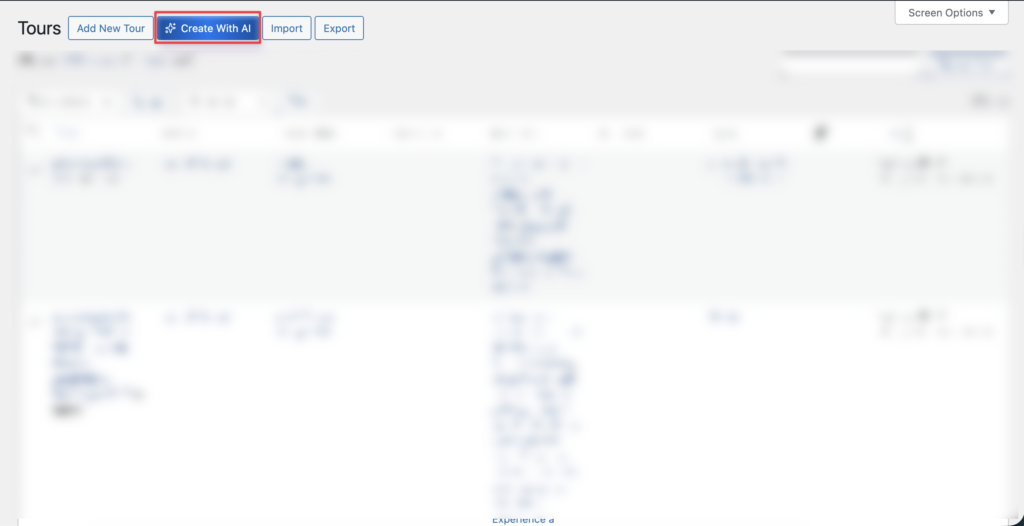
To access the AI features:
- Go to your WordPress Dashboard
- Navigate to Tours
- Click on the “Create with AI” button at the top
Upgrading to Pro #
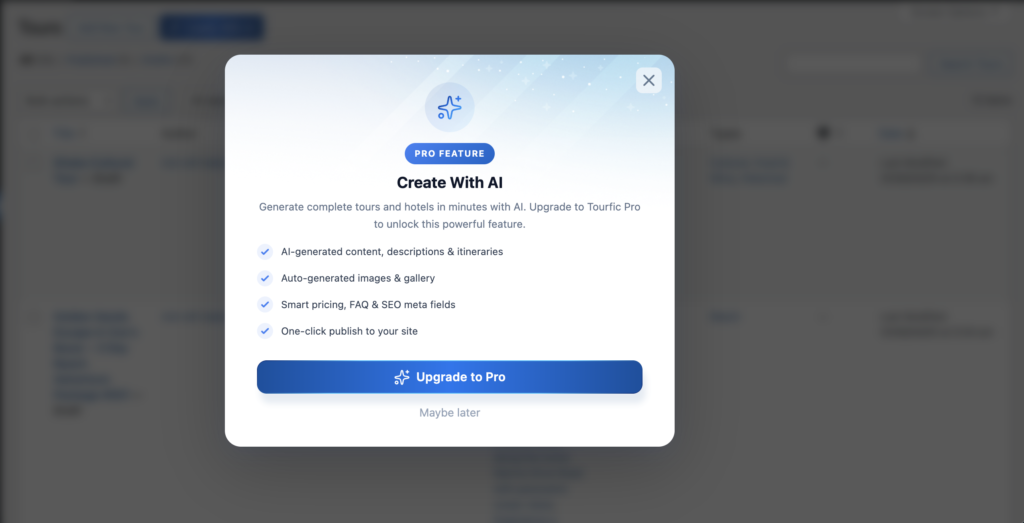
To unlock full functionality:
- Click on “Upgrade to Pro”
- Activate your license
- Gain access to all AI-powered features
What Happens Next #
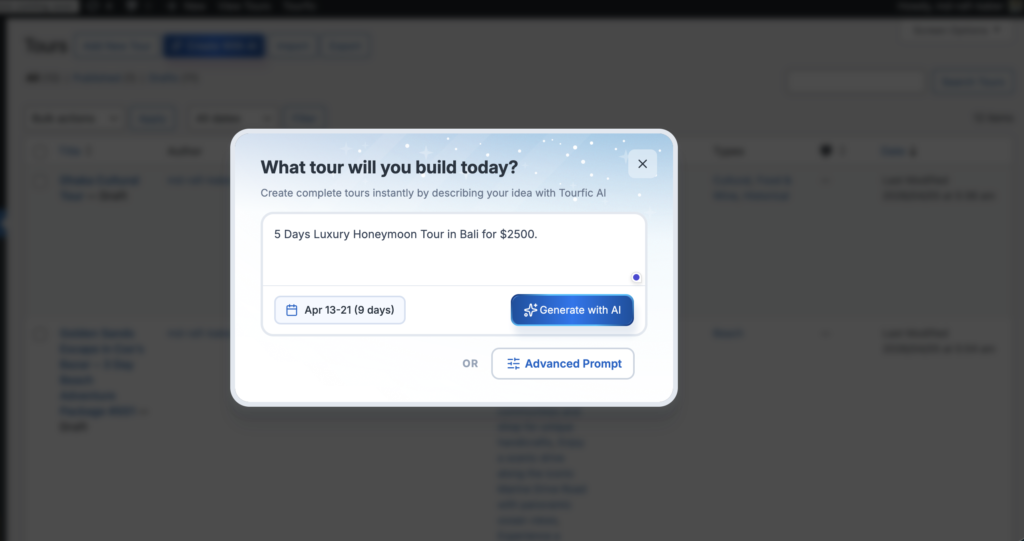
Once you click the button:
- A pop-up window (modal) will appear
- It will showcase various AI capabilities, such as:
- Generating itineraries
- Smart pricing suggestions
- Other automated features
Understanding the Experience #
Think of this as browsing a restaurant menu:
- You can see all available features
- You can understand what the AI can do
- But you cannot fully use them in the Free version
Summary #
The Free version is ideal for exploring the interface, understanding the capabilities of the AI, and helping you decide whether the platform meets your needs. It gives you a clear overview of what the system can do, but to fully utilize all AI-powered features and unlock its complete potential, upgrading to the Pro version is required.
