
Best Time to Visit the World’s Top Tourist Destinations
 January 5, 2026
 6 min read

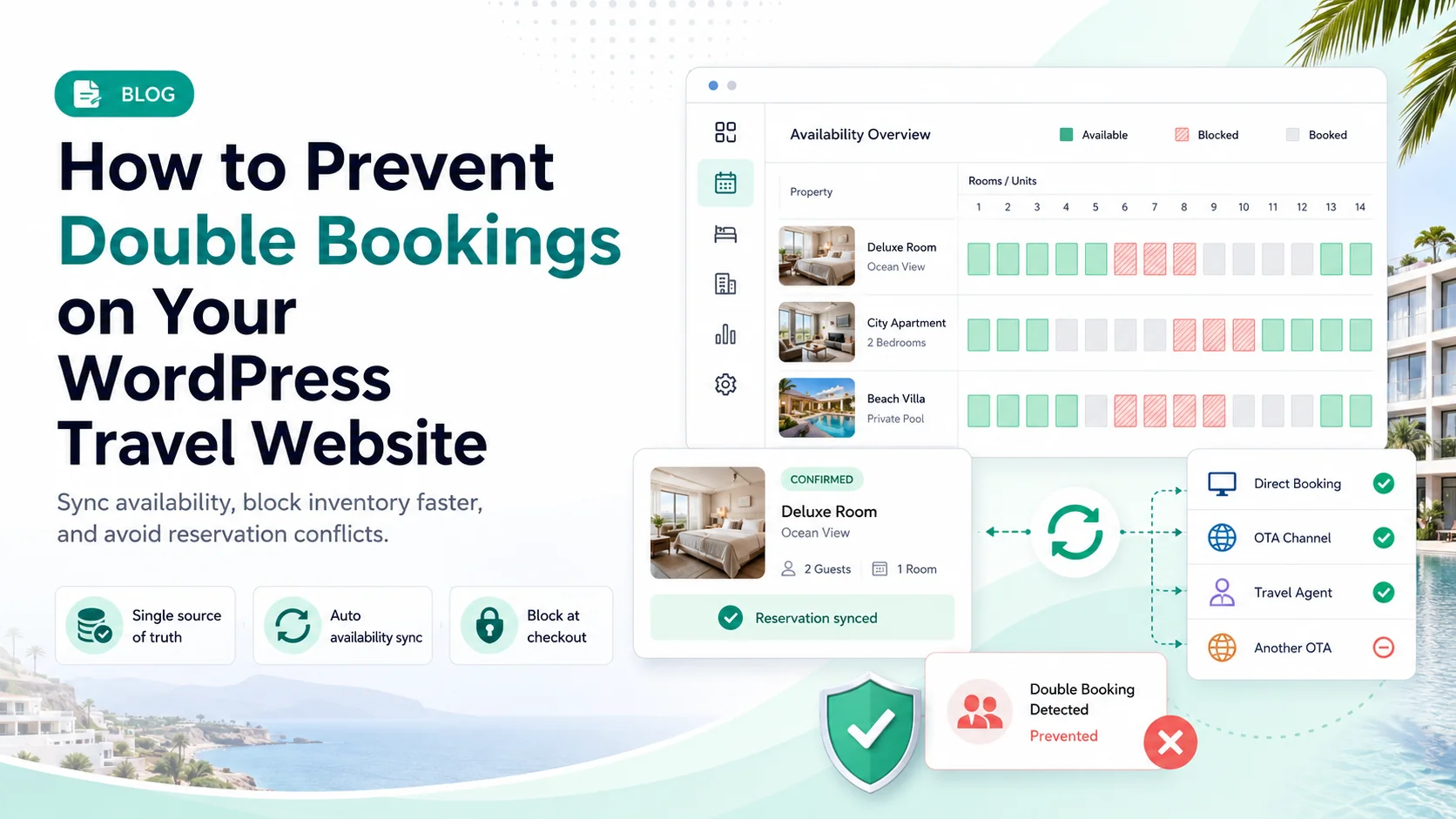
A guest lands at your property at 9 PM after a ten-hour flight. So does another guest. Both are holding a confirmed reservation for the same room, on the same night, and only one of them is sleeping there.
Double bookings feel like bad luck. They are almost never bad luck. They are a predictable outcome of how availability data moves between your website and the channels you list on, and once you understand that movement, most of them stop happening.
You prevent double bookings by making one system the single source of truth for availability, then pushing updates outward from it as fast as your channels allow. In practice that means keeping inventory in one booking engine, connecting every sales channel to it through calendar sync or API, blocking inventory at checkout rather than at payment confirmation, and setting buffer rules that absorb the sync delay you cannot eliminate.
A double booking happens when two guests receive confirmed reservations for the same unit over dates that overlap. One room, one apartment, one vehicle, one tour seat, two people holding a confirmation email.
It is worth separating this from a term it gets confused with, because the fix for each is different.
| Double booking | Overbooking | |
|---|---|---|
| What happens | Two guests are confirmed for the same specific unit | Total reservations exceed total capacity |
| Usual cause | Accidental, from a sync gap or manual error | Deliberate, a revenue strategy that assumes cancellations |
| Scope | One resource | The whole property or fleet |
| The fix | Technical: tighter sync and inventory rules | Commercial: adjust your no-show assumptions |
This article is about the first one. If two guests are holding the same room because your calendars disagreed with each other, that is a solvable engineering problem.
Five causes account for nearly all of them.
This is the dominant cause. When a booking lands on one channel, the availability update has to travel to every other channel before someone books the same dates. iCal feeds do not push instantly. They are pulled on a schedule, and reported refresh intervals range from roughly fifteen minutes to several hours depending on the platform. Every minute in that window is a window where two people can book the same night.
If a phone reservation or a walk-in gets written on paper and entered into the system later that evening, your website spent the afternoon selling a room that was already gone.
This one catches a lot of WordPress site owners. If your booking flow only marks inventory as unavailable after a payment gateway returns success, then two guests can both be sitting on the checkout page at the same time. Whoever’s card clears second gets a confirmation for a room that no longer exists.
A site with five identical rooms needs to know it has five. If the system treats “Deluxe Room” as one bookable object rather than five units of the same type, it will either block all five on the first booking or none of them. The second failure mode is a double booking generator.
The owner takes the apartment for a week in July. Housekeeping needs Tuesday for a deep clean. If those blocks live in someone’s head or in a separate spreadsheet, the booking engine will happily sell those dates.
The refund is the smallest part. The real bill is spread across four lines: the compensation you pay to relocate a guest to comparable or better accommodation, the OTA penalty and potential ranking suppression that follows a host-side cancellation, the review damage that outlives the incident by years, and the staff hours burned resolving it during your busiest season. A single mishandled relocation on a peak weekend can cost more than a year of the tooling that would have prevented it.
Pick the system that owns availability and make every other channel downstream of it. For a WordPress travel business, that system should be your site. Running a WordPress hotel booking plugin as the master calendar means your own website is never the channel that finds out last, which also happens to be the channel with no commission attached.
A single unconnected listing defeats the entire system. If you are on Airbnb, Vrbo, Booking.com, and your own site, all four need to be talking. Tourfic handles this through calendar and platform integrations including two-way iCal, Google Calendar sync for bookings, updates, and cancellations, and API-based integration with Booking.com for importing hotel content, pricing, and availability.
Hold the dates the moment a guest enters the checkout flow, with a short expiry if they abandon. This closes the race condition described above, and it costs you nothing.
Manual availability management does not scale past a handful of units. Tourfic auto-updates room availability the moment a booking is confirmed, so the inventory count and the public-facing calendar never drift apart. You can review the full feature set to see how inventory control, availability calendars, and booking limits work together.
You cannot make iCal instant, so absorb the lag structurally. A one-night buffer between reservations on high-risk units gives your sync window room to breathe and gives housekeeping a turnaround day. Minimum stay rules reduce the number of booking events, which mechanically reduces the number of chances to collide.
Five identical rooms are five units, not one listing. Get this right during setup, because retrofitting it after you have live reservations is genuinely painful. This applies equally to apartment and vacation rental setups, car rental fleets, and tour seat capacity, where the same unit logic governs how many people can book a given departure.
Owners, cleaners, and property managers all need to remove dates from sale without emailing you. A frontend dashboard lets vendors and property owners manage their own listings and availability directly, which matters enormously if you run a multi-vendor travel marketplace where you are not the one who knows when a unit goes offline.
Once a week, open your booking management dashboard and compare it against each connected channel calendar. Five minutes finds the drift before a guest does. Set a recurring calendar reminder so it actually happens.
A properly configured booking plugin prevents double bookings by owning the availability record and updating it automatically at the moment of booking, rather than relying on a human to remember. The specific mechanisms that matter are automatic room availability updates on confirmation, two-way calendar sync to external channels, inventory limits per unit type, and per-booking rules such as minimum stay and booking cutoffs.
This is also one of the practical arguments in the WordPress booking plugin versus SaaS platform debate. Self-hosted means the availability database is yours, on your server, with no monthly per-booking fee attached to keeping it accurate. If you are still evaluating options, the free WordPress booking plugin roundup is a reasonable place to start, and Tourfic itself has a free tier.
No system is perfect. Two channels can confirm within the same second and no amount of sync speed will catch it. When it happens, speed and honesty are what separate a recoverable situation from a one star review.
A well-handled recovery sometimes produces a better review than a smooth stay would have. That is not a reason to be relaxed about prevention, but it is a reason not to panic.
iCal is a pull-based format, so it refreshes on each platform’s schedule rather than instantly. Reported intervals commonly range from around fifteen minutes to several hours, and some platforms are slower still. This delay is inherent to iCal, which is why buffer rules and API connections matter for high-occupancy properties.
It reduces the risk substantially but does not eliminate it. iCal closes the gap from days to hours. For properties running high occupancy across three or more channels, pair iCal with API-level connections where available and add buffer nights to absorb the remaining window.
Yes. Tourfic syncs bookings, updates, and cancellations with Google Calendar and iCal, and offers API-based integration with Booking.com for importing hotel content, pricing, and availability. The full list is on the integrations page.
Commercially, the host or operator is responsible for honouring confirmed reservations and for relocation costs, regardless of which system caused the conflict. OTA terms typically treat host-side cancellations as the host’s liability. Your cancellation policy and terms of service should state how you handle relocation, but they will not transfer that responsibility to the guest.
Host-initiated cancellations generally carry penalties on major platforms, which can include fees, calendar blocking, and reduced listing visibility. The exact consequences vary by platform and change over time, so check each channel’s current host policy.
The principles are identical but the discipline has to be tighter, because the number of possible collisions grows with every unit. Centralise all properties in one system, use bulk pricing and availability editing so updates do not become a manual chore you skip, and give each property owner dashboard access rather than routing every change through you.
They solve overlapping problems at different price points. A dedicated channel manager gives real-time API sync across many OTAs and suits operators running dozens of units at high occupancy. A WordPress booking plugin gives you an owned, commission-free direct channel with calendar sync built in, which is where your direct booking strategy lives anyway. Many operators run both.
Double bookings are a data synchronisation problem wearing a customer service costume. Treating each incident as a one-off apology means you will keep having them. Treating them as a signal that your availability data is travelling too slowly means you can actually make them stop.
Start with one source of truth, connect everything to it, and give the sync window some structural breathing room. If you are building or rebuilding, the guide to creating a vacation rental website with WordPress and the roundup of must-have features for travel agency websites both cover the setup decisions that make this easier to get right the first time.
Explore Tourfic Pro to get automatic availability sync, calendar integrations, and inventory control on your own WordPress site.